Direct broadcast control
Web pages send commands to BLE broadcast devices through WebBT without establishing a GATT connection.
 WebBT 简体中文
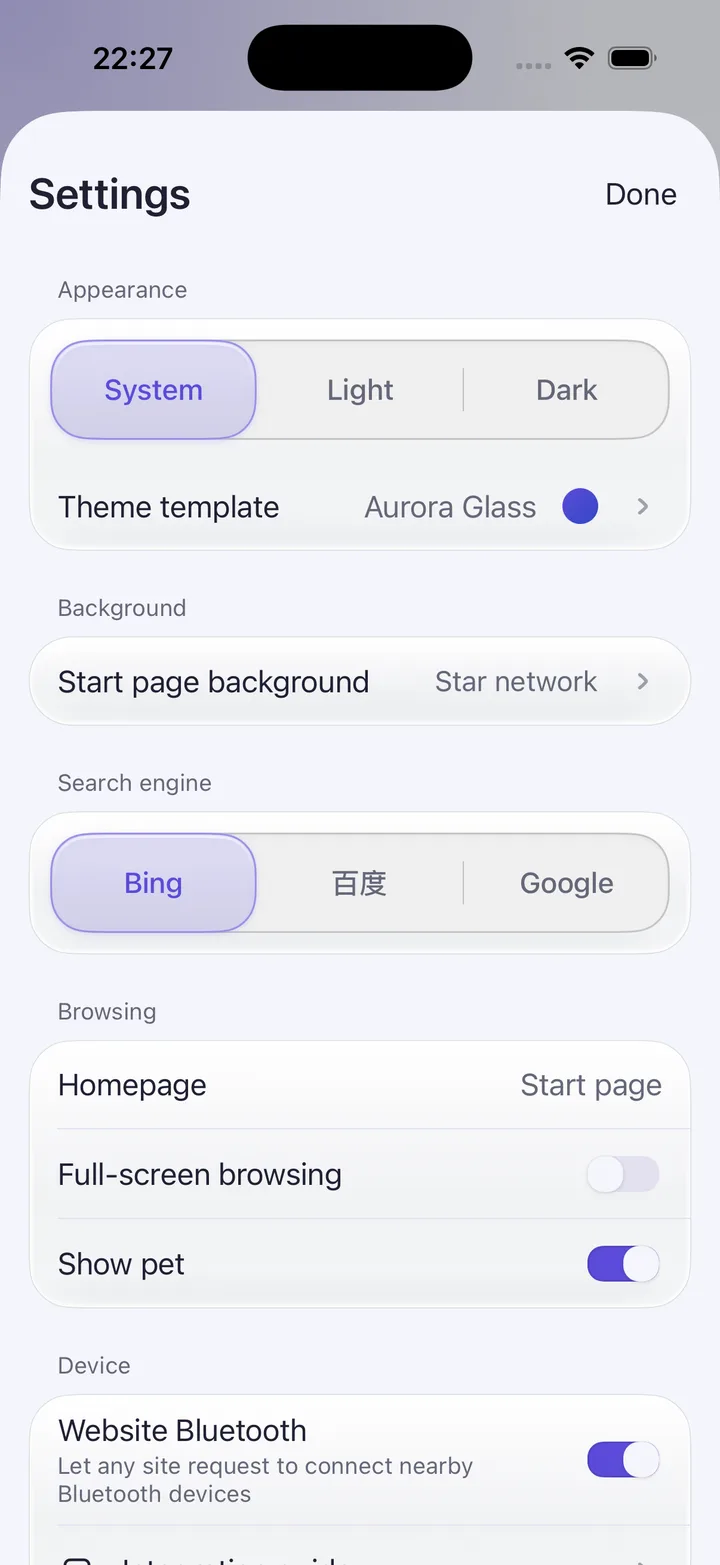
Browser + Bluetooth device connectivity
Everyday browsing, aurora theme pets, and web-based device control in one clean app.
Web pages send commands to BLE broadcast devices through WebBT without establishing a GATT connection.
A page supplies a MAC, device ID, or model name to connect directly—no manual system device list selection.
Probe, connect, send frames, stop, disconnect, and subscribe to status through protocol v1.
Skipping manual selection is not the same as skipping authorization; system Bluetooth permission, the first-time notice, and the website Bluetooth master toggle still apply.
Aurora glass, sky, doodle, and hill themes with real theme pets and light or dark appearances.
The page reads the WebBT device bridge exposed by the app.
const sdk = window.__webbtDevice;
if (!sdk) throw new Error('WebBT bridge unavailable');Pass a MAC, device ID, or model payload to connect directly.
await sdk.connect(devicePayload);Send protocol v1 frames, then stop or disconnect when done.
await sdk.frame('AB0105050505050505050505');WebBT only connects to devices when a page asks and you allow it. Bluetooth permissions, first-use notices, and the site-wide Bluetooth switch stay under your control.